Notifications
See recent events from your devices and take action. You can open items, dismiss notifications, or jump to the relevant page.
What you can do
Display recent notifications (for example, new Images)
Open an item’s page from a notification
Dismiss one or all notifications
View notifications
Open notifications
Click the bell icon in the app header to open the notifications list.
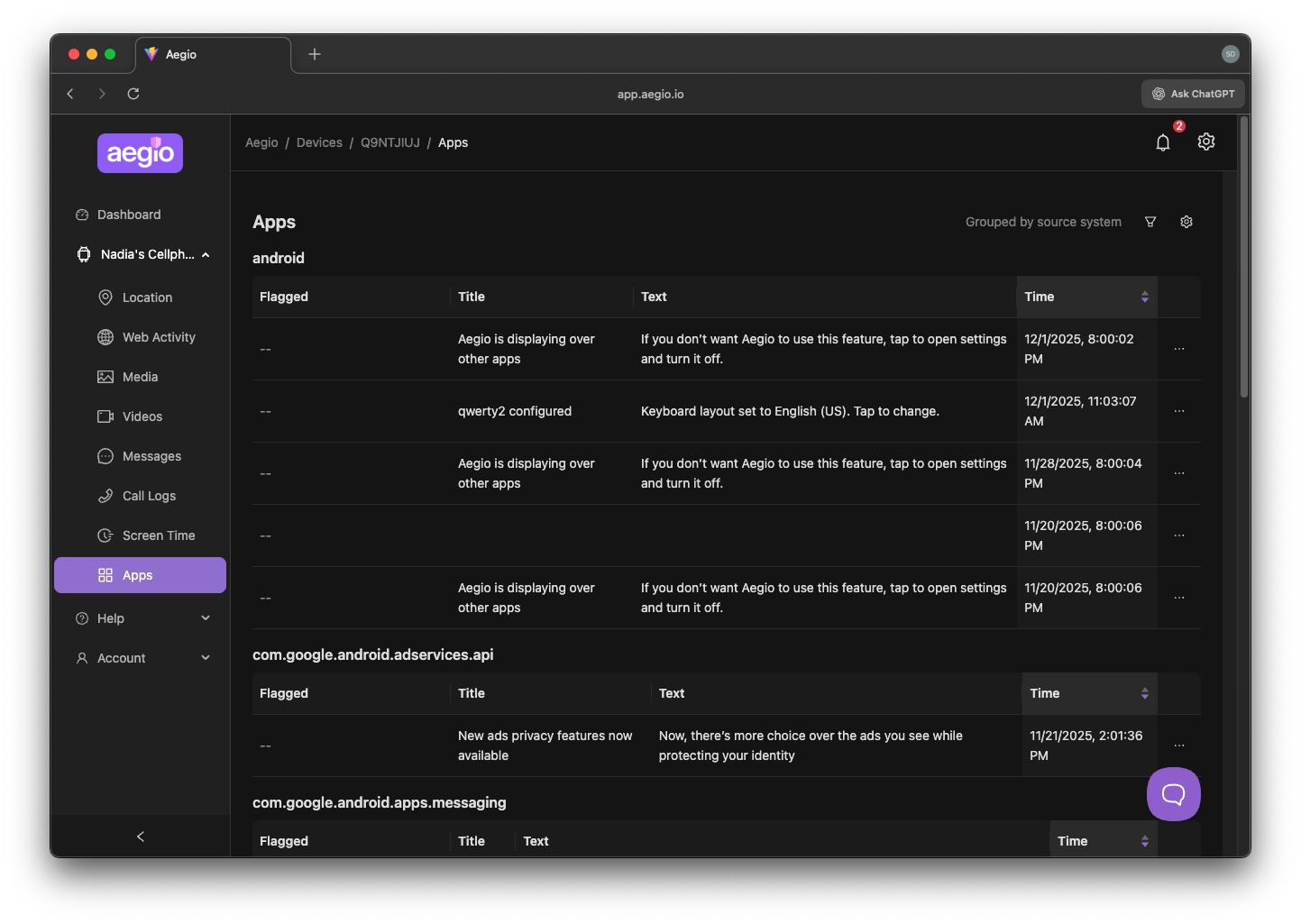
Click a notification to open the related page (such as Images or Videos).
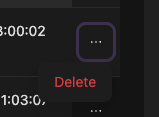
Use Dismiss to remove a notification, or Dismiss all to clear the list.
Tip: To control which alerts you receive and how they appear, see App Notifications.
02 December 2025