User Settings
Customize your personal preferences, such as theme, language, and notification behavior.
What you can do
Update your profile details
Change theme (light/dark)
Adjust notification and privacy preferences
Open User Settings
Open User Settings
In the web app, go to Account → Settings.
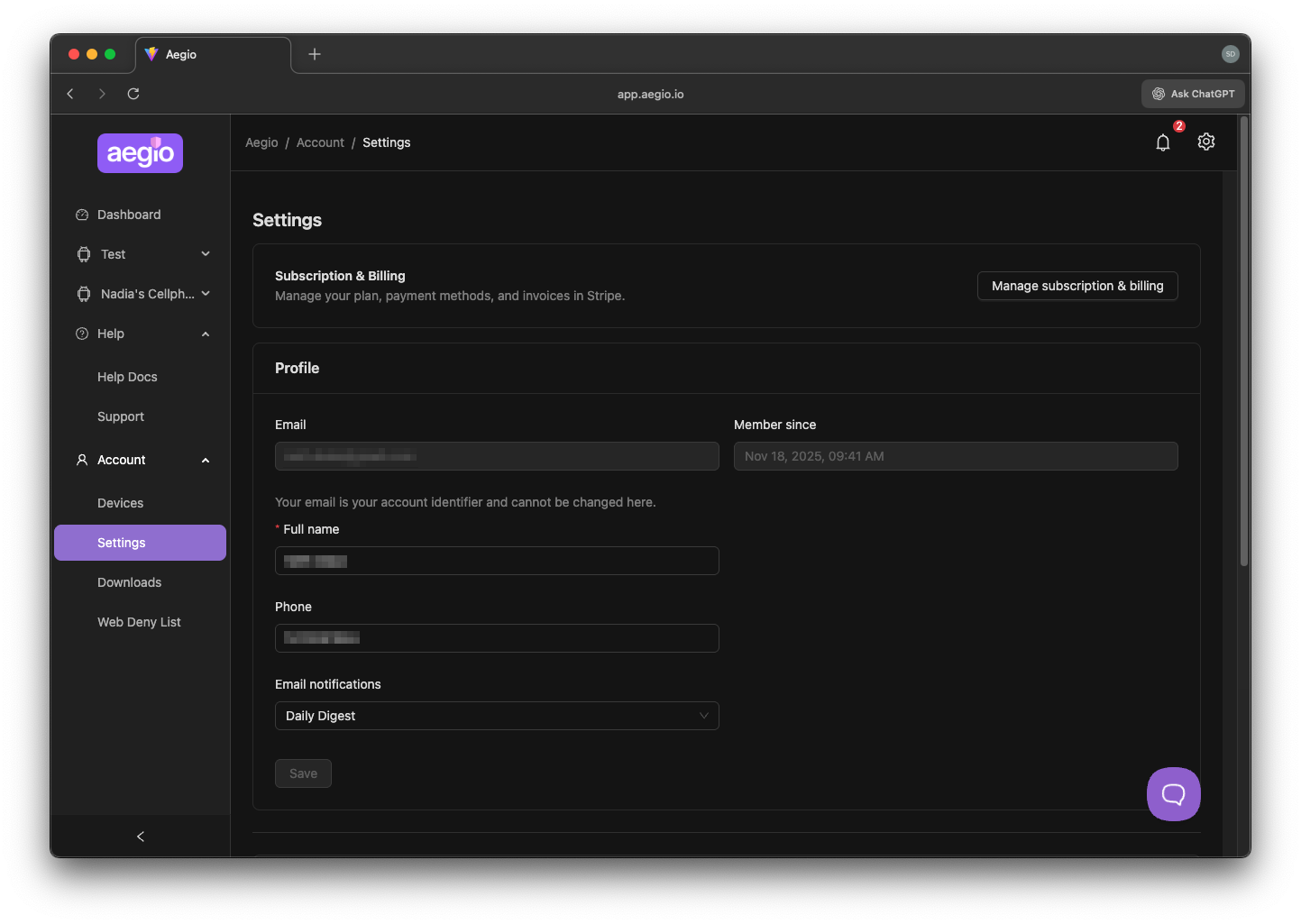
Use the available sections to update your preferences.
Email Notifications: can be set to none, on-demand (as they occur), or digest (once daily).
Your password can be changed from this screen
You can manage your subscription and billing information by clicking the button at the top of the page
See also: Account Settings and App Notifications.
02 December 2025