Videos
Watch and manage videos collected from a device. Use this page to preview, filter, and download items.
What you can do
Browse videos with thumbnails and durations
Filter by date range
Play videos in a built-in viewer
Download selected items
Requirements
The device must be enrolled and online. See Device Management.
The device must grant storage/media permissions to Aegio.
Turn on video collection on a device
The exact steps vary by platform, but generally:
Enable Videos on a device
On the managed device, open the Aegio app and sign in with the enrolled account.
Grant storage/media (Videos) permission to Aegio when prompted.
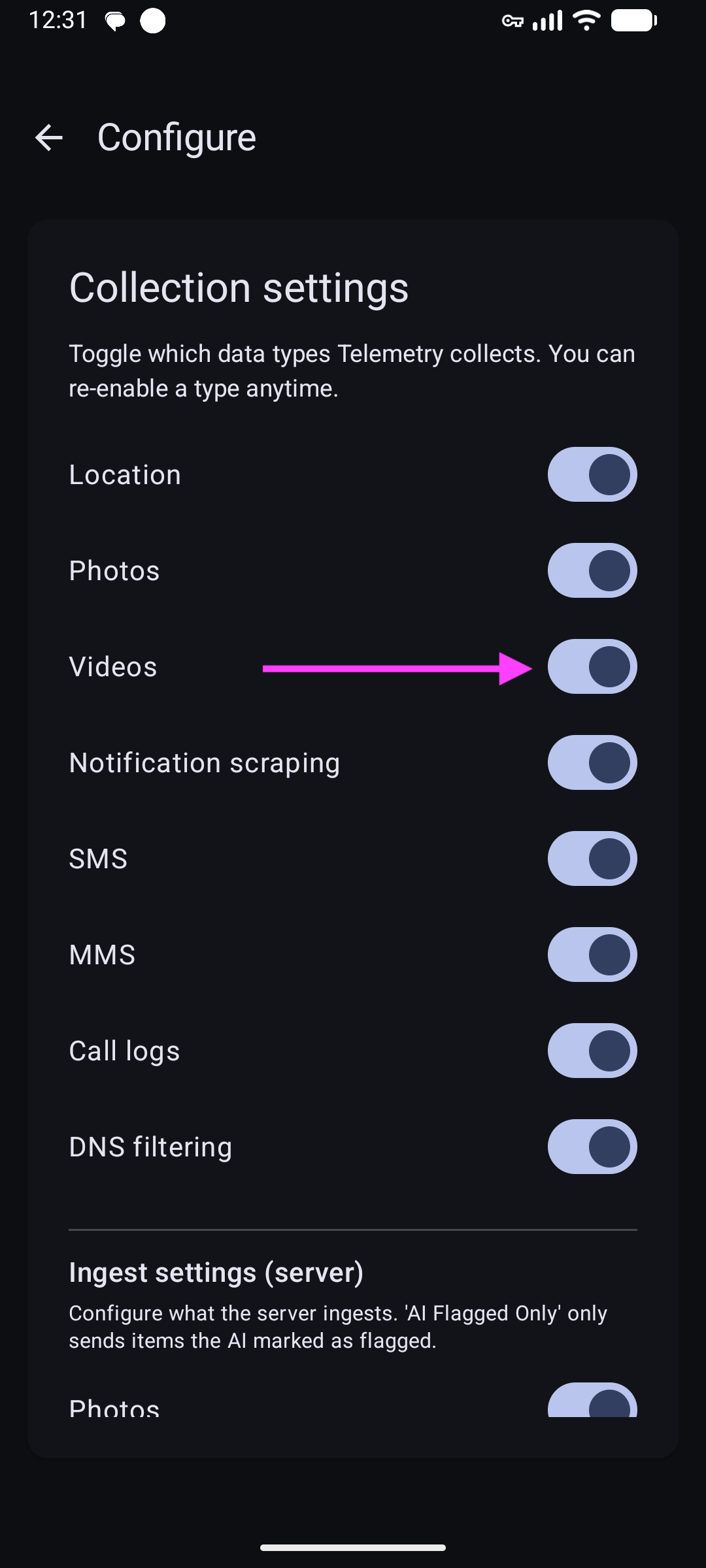
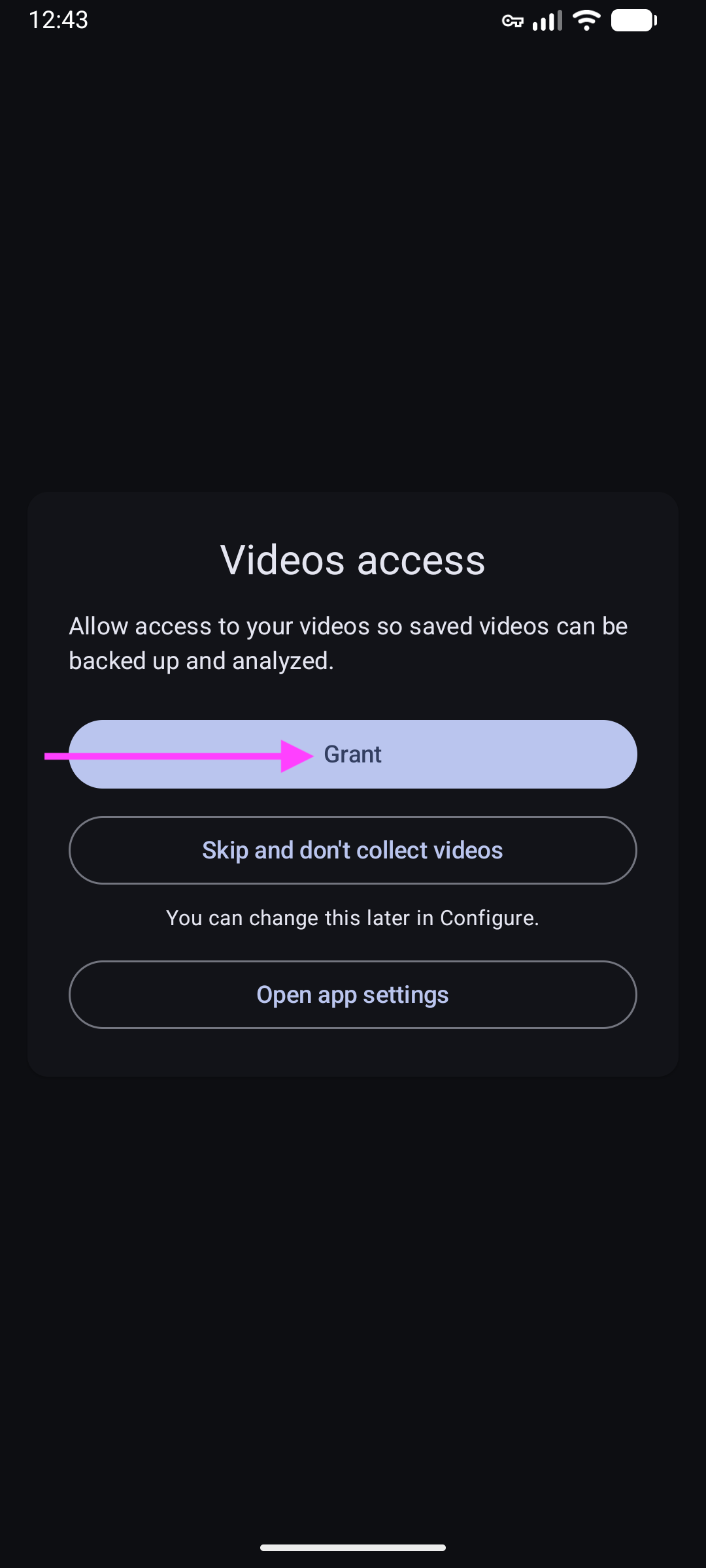
Keep the device connected to the internet so new videos can sync.
Browse, play, and download
View and download videos
In the sidebar, select a device, then click Videos.
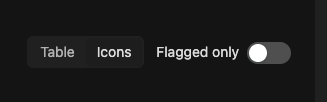
Use the date filter to narrow results. Click a video to open the player.
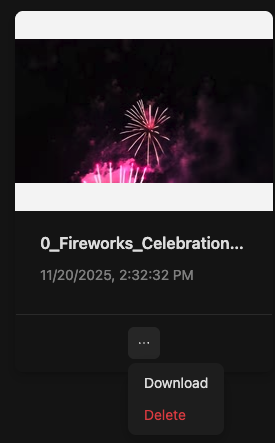
Select videos and choose Download or use the context menu to delete selected items.
Privacy and data handling
Retention follows your plan.
Use the context menu on the Videos page to delete selected items if needed.
Troubleshooting
Video won’t play
Try downloading and playing locally. Some browsers limit certain codecs.
No videos
Ensure the device has media and permissions are granted.
FAQs
How can I export videos?
See Export Data.