Call Logs
Review incoming, outgoing, and missed calls from a device. Filter by date and type, view details, and export when needed.
What you can do
View call history with timestamps and durations
Filter by date range and call type (incoming/outgoing/missed)
Export call history for reporting
Requirements
The device must be enrolled and online. See Device Management.
Required permissions must be granted on the device for call logs access.
Turn on call log collection on a device
The exact steps vary by platform, but generally:
Enable Call Logs on a device
On the managed device, open the Aegio app and sign in with the enrolled account.
Grant Phone/Call Log permission to Aegio when prompted.
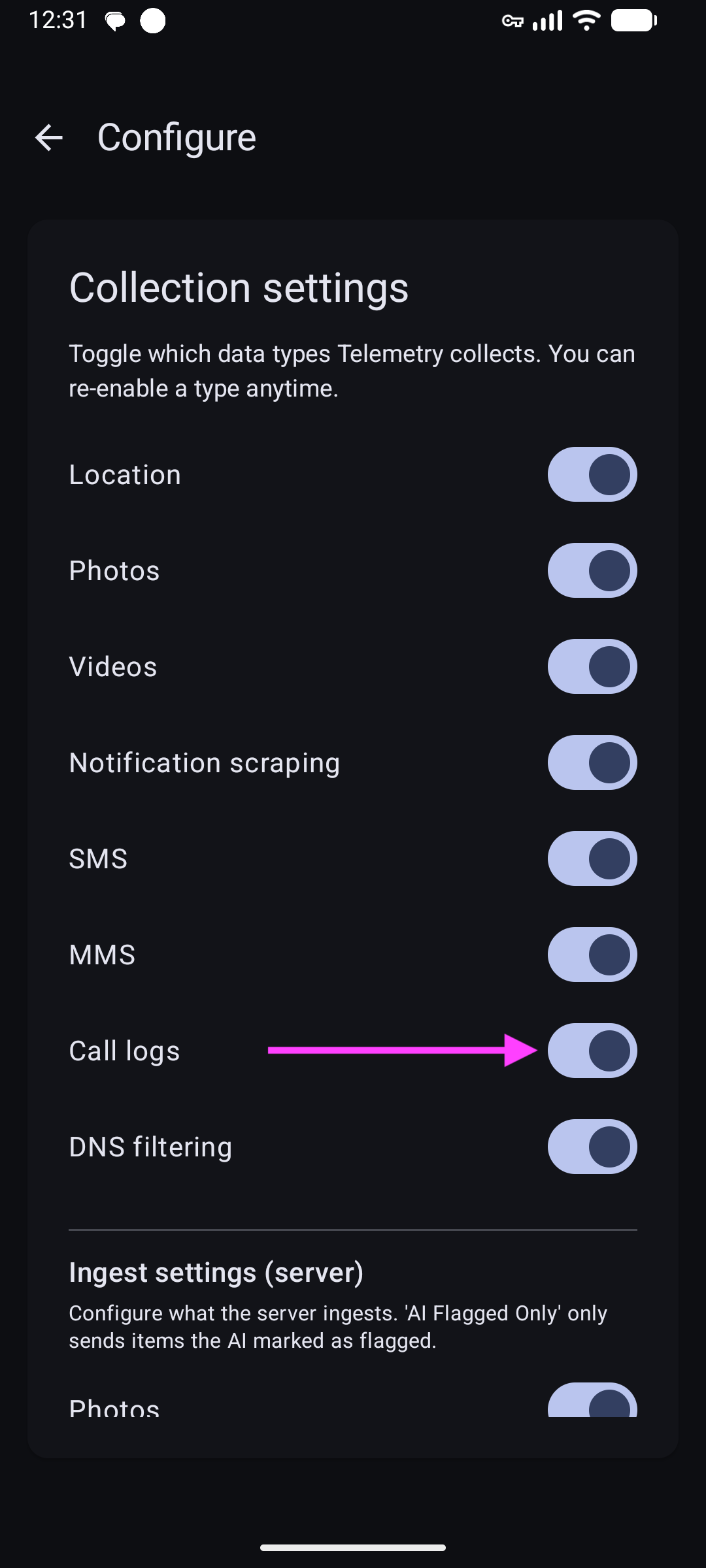
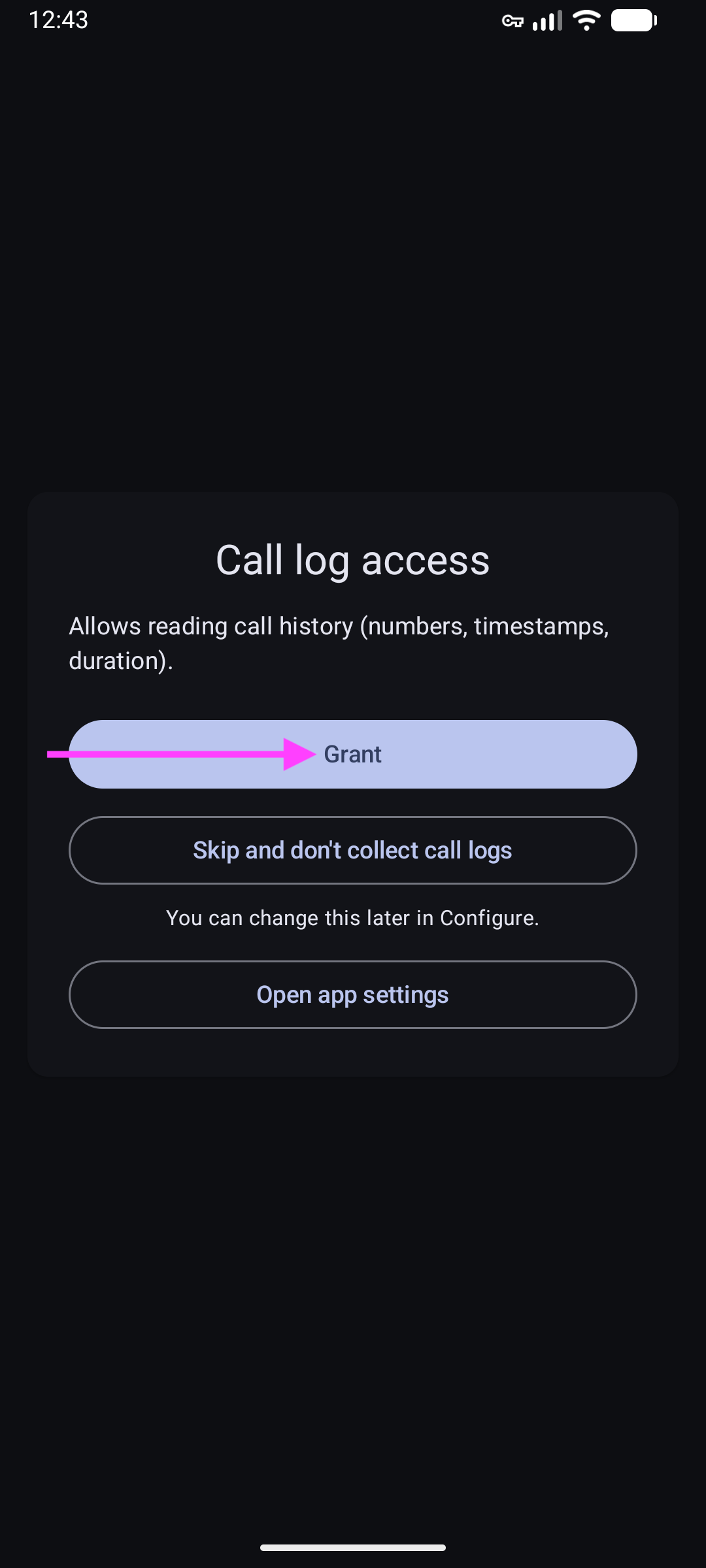
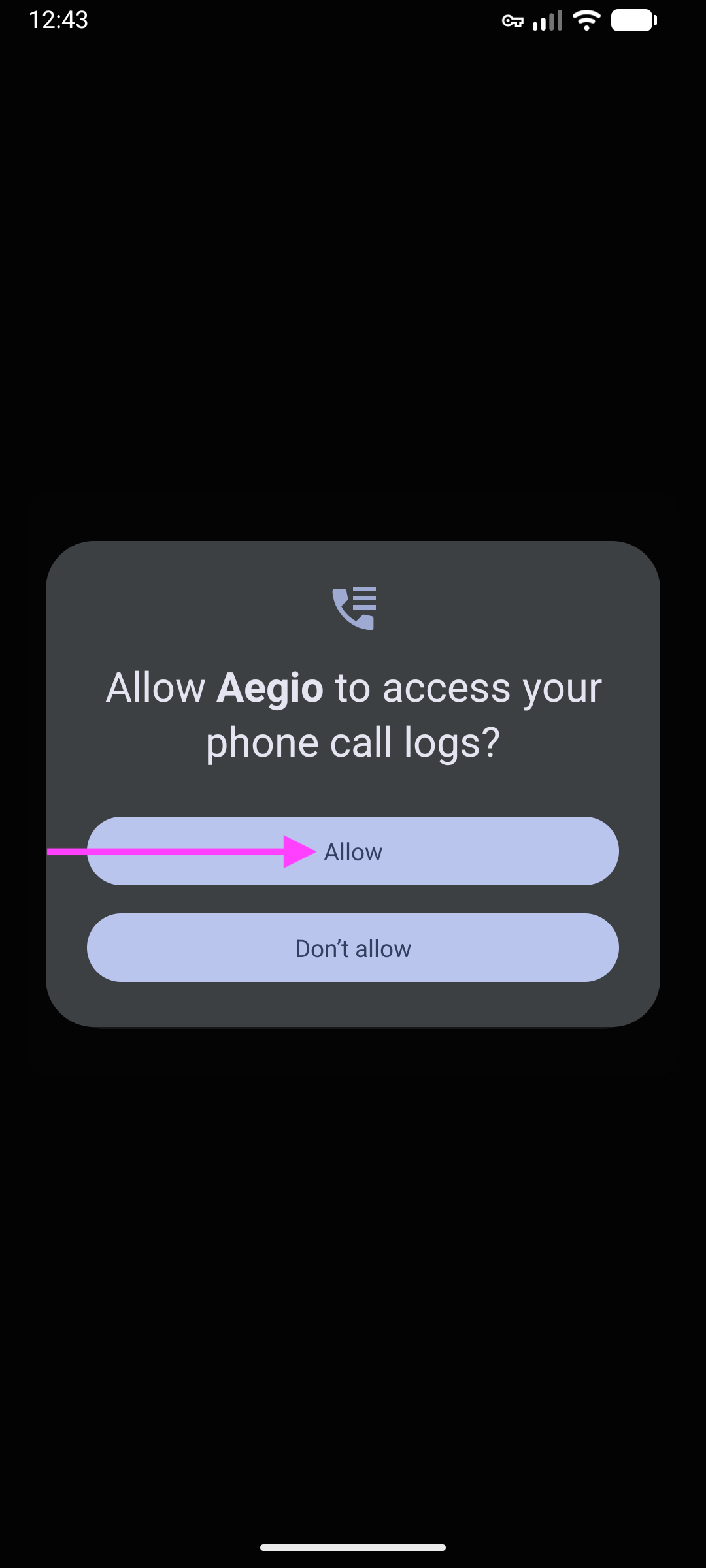
Keep the device connected to the internet so new call records can sync.
View and filter calls
Browse call history
Select a device in the sidebar, then click Call Logs.
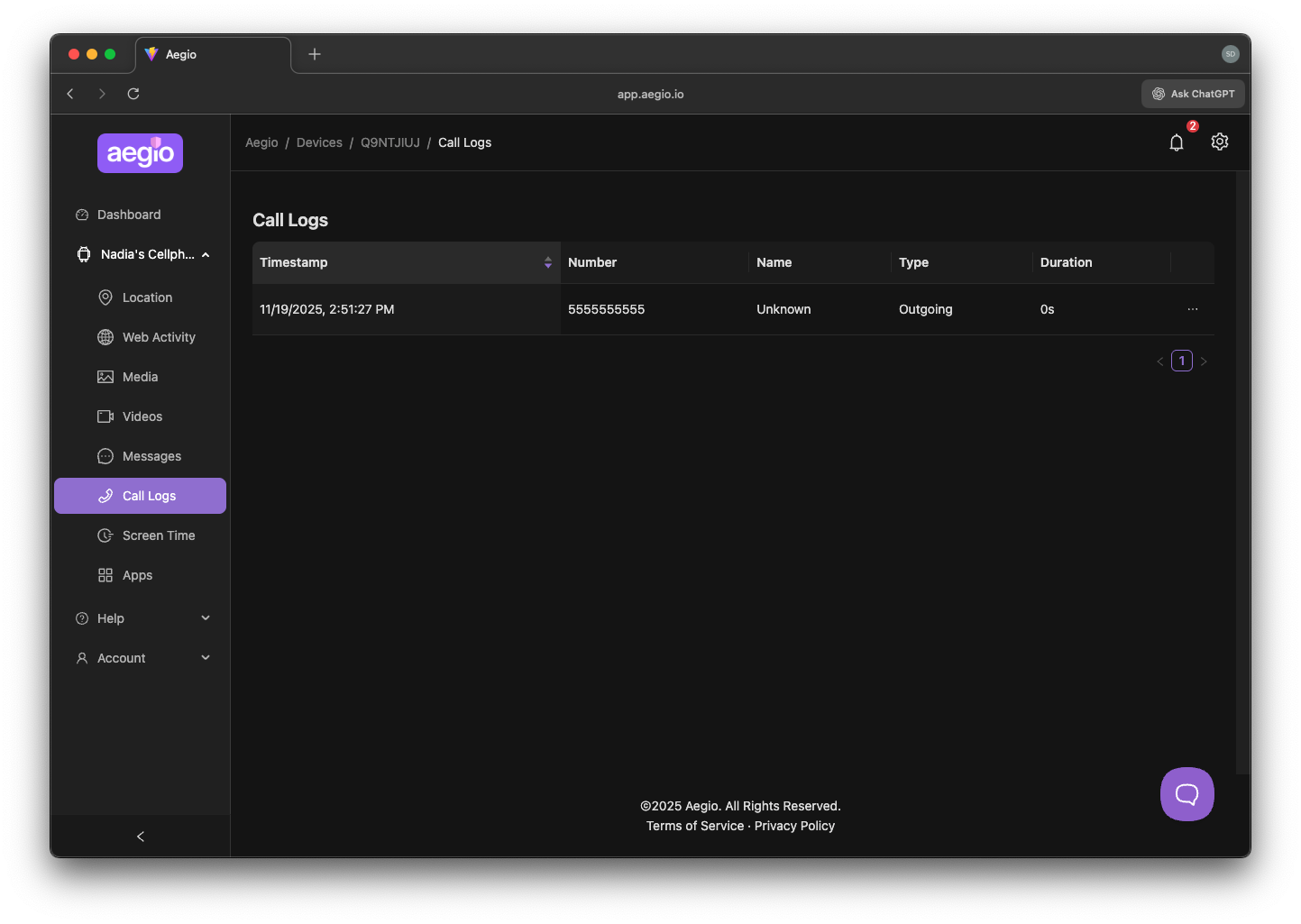
Use filters to select a date range and call type. Click a row to view details.
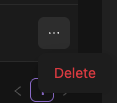
Delete entries using the context menu
Privacy and data handling
Call metadata can be sensitive. Access is limited to authorized members.
Retention follows your plan. See User Settings.
Troubleshooting
No calls visible
The device may not have synced yet, or permissions are missing.
Missing durations
Some devices/carriers don’t provide complete metadata for every call.
FAQs
How do I export call logs?
See Export Data.